iPhone users who also own Apple’s AirPods have plenty of iPhone tricks to discover once they get their first pair. But most of them concern the regular audio experience, whether listening to audio content or talking on the phone. However, there’s a great iPhone accessibility called Sound Recognition that could serve AirPods users in addition to the target audience.
As we’ve explained before, Sound Recognition is a hidden iPhone feature that can help people who are deaf or suffer from hearing issues keep tabs on important sounds around them. Maybe it’s a smoke alarm going off at home or a certain noise an animal makes. The iPhone can listen to those sounds and deliver a notification to warn you of the event.
The same accessibility feature works well with people who do not have hearing issues. But they might wear AirPods or other headphones that might prevent them from hearing the different background sounds around them.
How to enable Sound Recognition on iPhone
Sound Recognition is a feature that Apple built into iOS since iOS 14. You’ll find it in the Accessibility menu after you load up the Settings app.
Enable the feature and then tap the Sounds menu to customize the kind of sounds you’ll want to receive alerts for. Select all the sounds you want your iPhone to pay attention to and send out notifications.
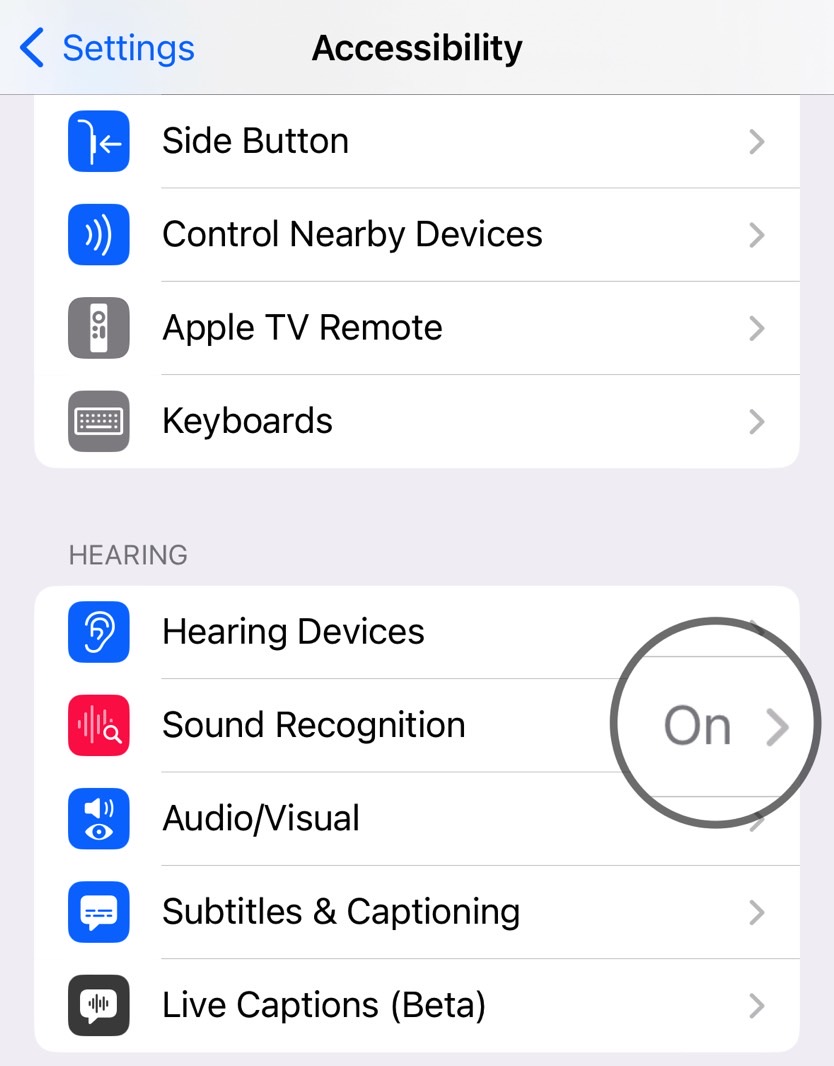
Again, this feature is great to have around if you have hearing problems. But it also works just as well if you wear AirPods a lot while at home. Especially models that support noise cancellation. You won’t have to worry about missing specific sounds around you, like babies crying, alarms, appliances, or pets.
How to add Sound Recognition to Control Center
To access the Sound Recognition feature easier, you’ll want to add it to Control Center on iPhone.
Go back to the Settings app, choose the Control Center menu, and tap the + sign next to Sound Recognition.
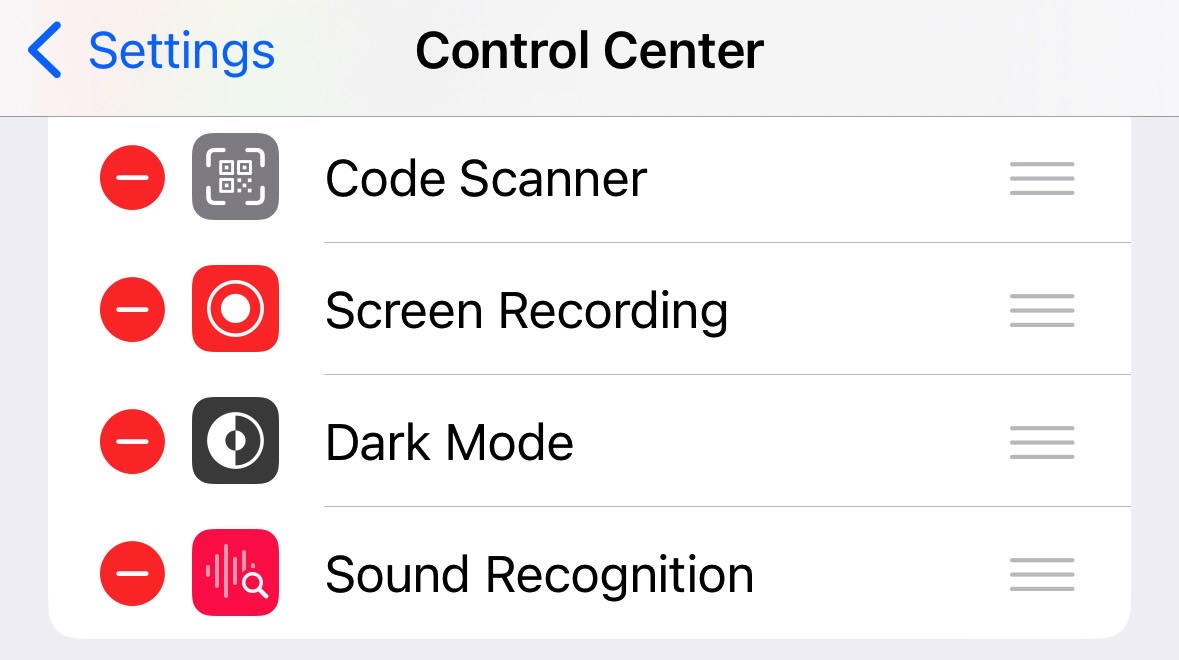
This will place a Sound Recognition shortcut inside the Control Center, which will be useful for your AirPods Sound Recognition experience.
Tap the shortcut to quickly enable or disable all the sounds you want the iPhone to listen to while minding your business. Rinse and repeat every time you are at home and wearing AirPods.
As handy as this feature might be, you might not want to use it always. If you’re not wearing your AirPods, you’ll likely hear most of those sounds. And you won’t want a constant notifications barrage. That’s why the Control Center shortcut is useful for quickly managing the Sound Recognition experience.
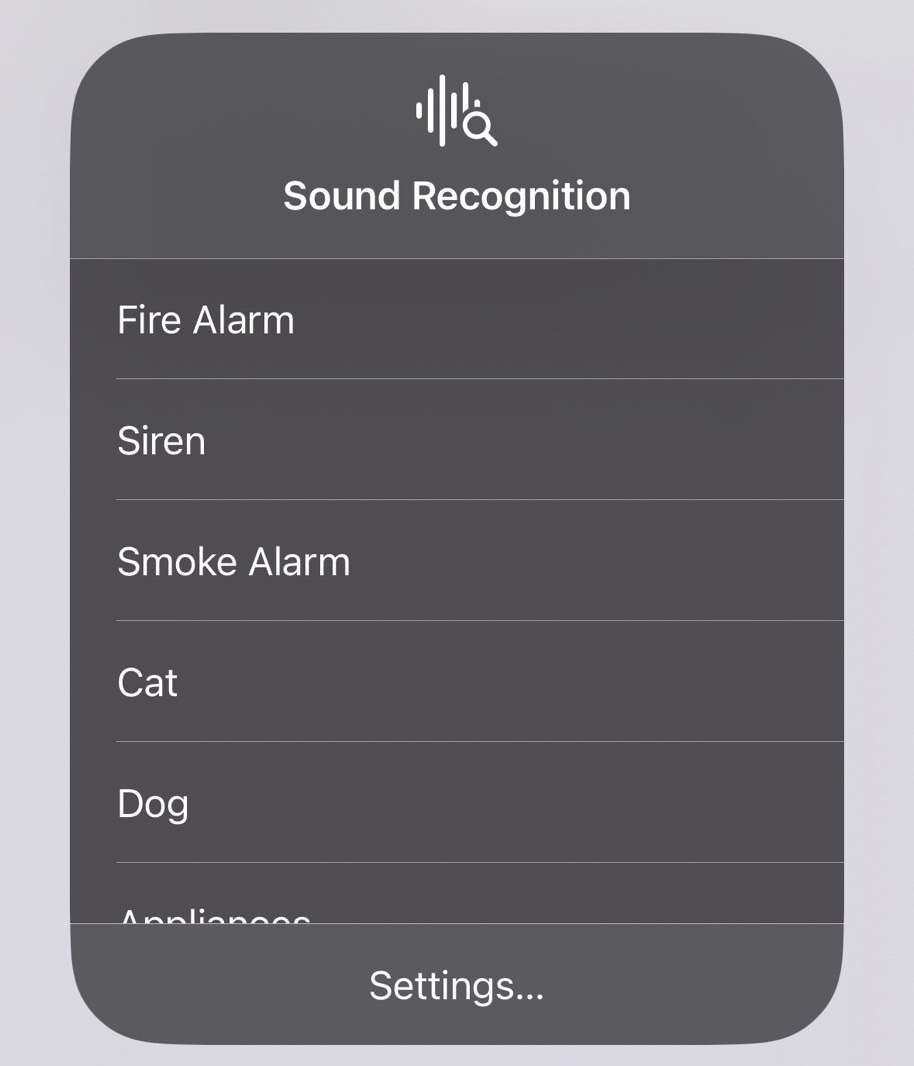
Also, remember that the feature is only as good as your iPhone’s ability to catch those sounds. You can use the Sound Recognition tool to train the iPhone for custom sounds and improve its reliability if you’re on iOS 16. We’ve covered that in detail at this link.
Once you’ve configured your iPhone, you’ll be one tap away from ensuring you’re on top of all the noises going off at home. While we’re focusing on the AirPods in this guide, the feature works just as well if you’re using other wired or wireless earphones with your iPhone.
Leave a Reply